Review: maintenance issues and inspection notes
Purpose
Tidy up what was captured in a hurry on site before it reaches the nursery and the maintenance team: correct a maintenance issue's details, and make sure anything important in the team's notes becomes an action or a job.
Before you start
- The inspection has been submitted and you're reviewing it.
- When the inspection was submitted, each maintenance issue became a maintenance job and an action. See Logging maintenance during an inspection.
Correct a maintenance issue
- On the review page, select Maintenance 1. Issues are grouped by severity, most urgent first.
- Select an issue to open it.
- Correct the title, Description, Severity or Room, or change the Photo. Changes save as you go.
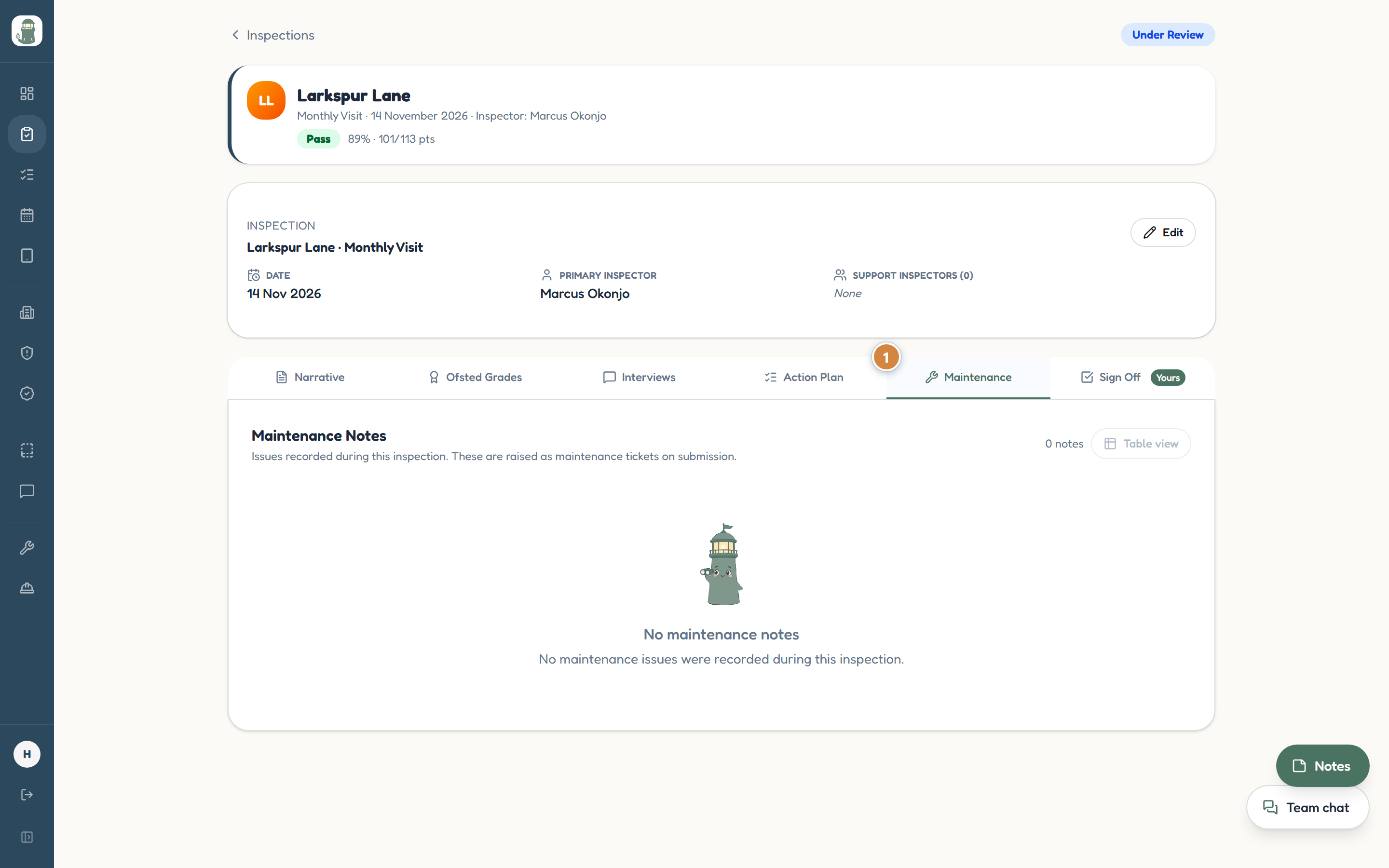
What you should see
Your changes are also copied to the linked maintenance job and action, so all three stay the same.
Turn a note into an action or a job
- Select Notes at the bottom right of the review page. The inspection team's notes open; they can't be changed here.
- Under a note, select Add to Action Plan or Add to Maintenance.
- Check the Title and the Description (filled in from the note). For an action, choose the Section, Assigned Role, Assigned Person and Target Date; for a maintenance job, choose the Severity and Room.
- Select Add to Action Plan or Add to Maintenance at the bottom of the window.
Beacon shows Added to the action plan or Added to maintenance, and the note is marked Added to Action Plan or Added to Maintenance, so it isn't added twice.
Common problems
- "No maintenance notes".
- No maintenance issues were logged on the visit. Add jobs from the notes, or on the maintenance board.
- I can't edit the issues.
- The report is locked: signed off, or awaiting manager approval if you're an area support lead.
- "Title required".
- Give the new action or job a title before saving.