Review: deleting a report
Purpose
Take a report out of use when it shouldn't stand: for example, the visit was recorded against the wrong nursery, or it was a practice run. Deleting moves the report and its inspection to the archive; nothing is destroyed, and the deletion is logged.
Before you start
- You're an area support manager.
- You're sure. A deleted report disappears from the Inspections page and the dashboard for everyone.
Delete a report
- Open the report (from Signed off on the Inspections page).
- Select More report actions (the three dots) at the top of the page, then Delete report….
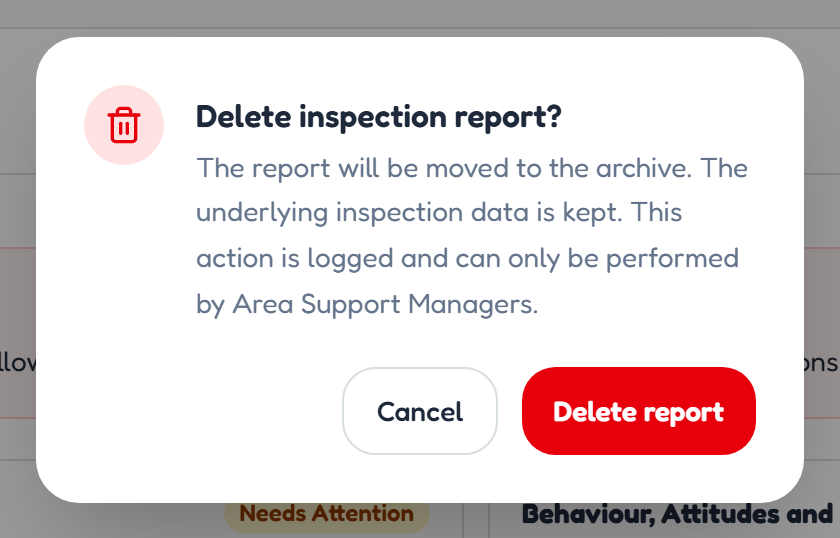
- Read Delete inspection report? and select Delete report.
What you should see
Beacon shows Report deleted. The report and its inspection move to the archive, and the report's actions leave the action plans board. The deletion is recorded in the audit log.
Restore a deleted report
- In the menu, select Inspections, then Archive.
- Find the inspection and select Restore.
- Confirm with Restore.
Beacon shows Inspection restored, and the inspection and its report are back where they were.
Common problems
- There's no More report actions button.
- Only area support managers can delete reports.
- "Already deleted".
- Someone else deleted it first. Look in the archive.